




| Product Image | Model Product Link | Type | Dimensions (W×D×H mm) | Supported Motherboard (mm/in) | Drive Bays | Optical Drive | Power Supply | Fans | Expansion Slots | Front Panel | Material & Thickness | Customizable |
|---|---|---|---|---|---|---|---|---|---|---|---|---|
|
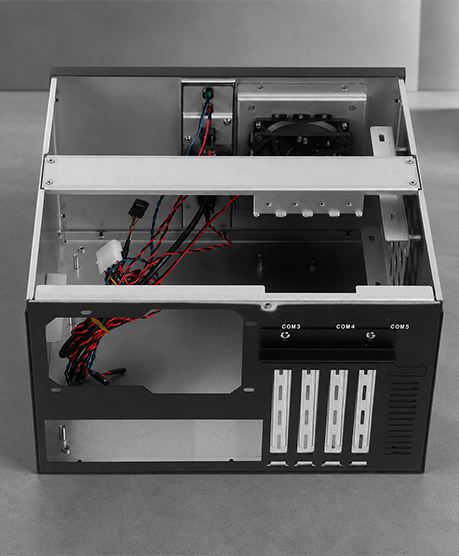
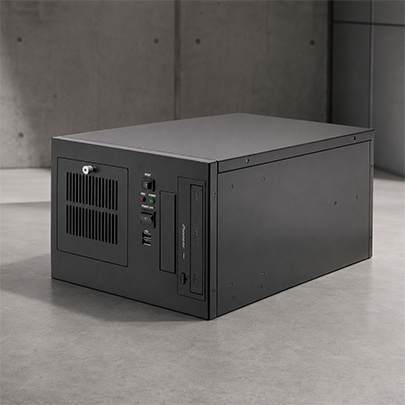
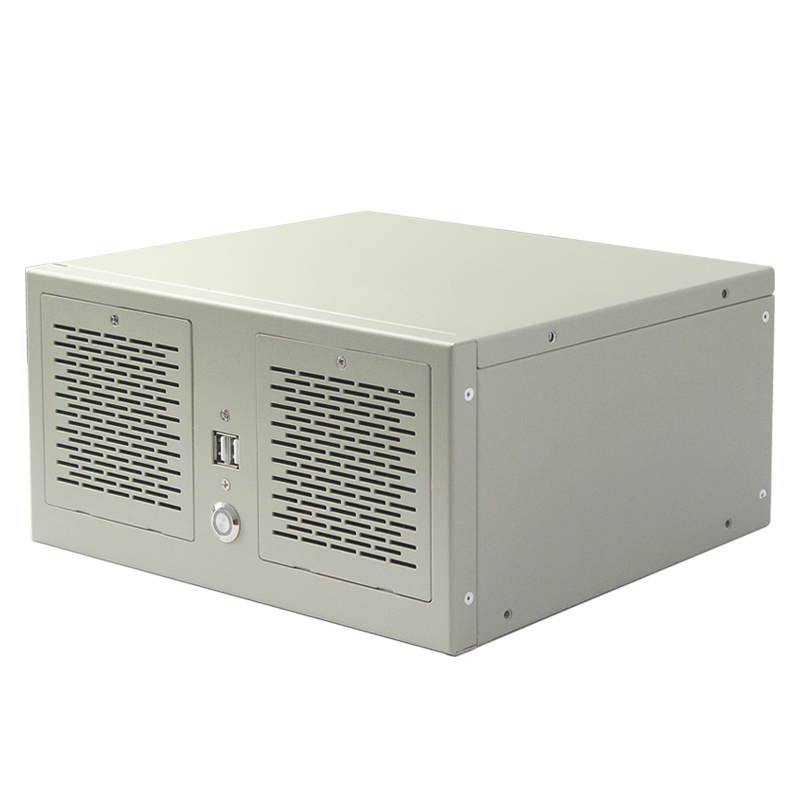
Wallmount Case ISC-WMS34TW-M | Rackmount (2 slots) | 263 × 232 × 130 | Micro-ATX 245 × 245 (9.6 × 9.6") | 1 × 3.5" HDD; 1 × 2.5" HDD | None | ATX PSU | 2 × 80 × 25 mm | 2 × PCI-E; 4 × COM | USB port | SGCC steel, 1.2 mm | Yes |
|
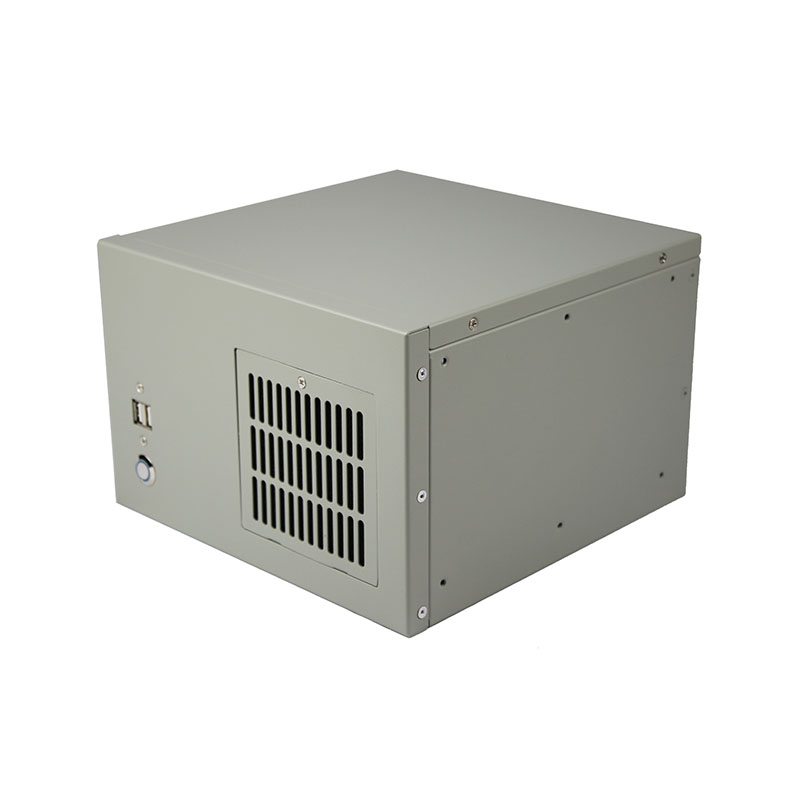
Wallmount Case ISC-WMS31W-M | Wallmount (2 slots) | 230 × 230 × 155 | Mini-ITX 170 × 170 (7 × 7") | Up to 2 × 2.5" HDD or 1 × 3.5" HDD | None | 1U FLEX PSU | 1 × 80 × 25 mm | 2 × full-height | 2 × USB 2.0; Power switch/LED; Removable dust-filter panel | Zinc-plated steel, 1.2 mm | Yes |
|
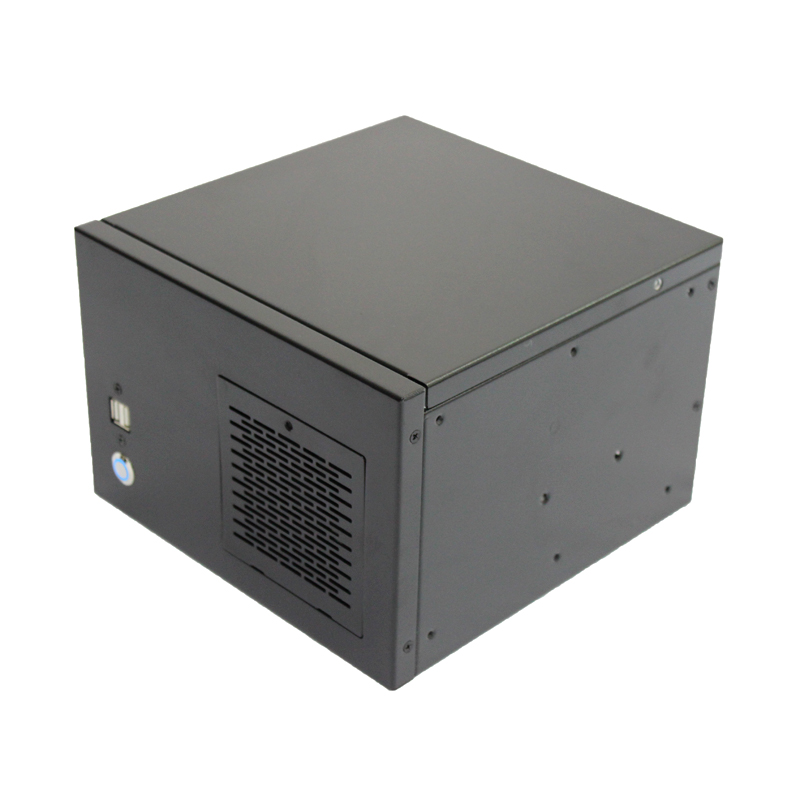
Wallmount Case ISC-WMS31B-M | Wallmount (2 slots) | 230 × 230 × 155 | Mini-ITX 170 × 170 (7 × 7") | Up to 2 × 2.5" HDD or 1 × 3.5" HDD | None | 1U FLEX PSU | 1 × 80 × 25 mm | 2 × full-height | 2 × USB 2.0; Power switch/LED; Removable dust-filter panel | Zinc-plated steel, 1.2 mm | Yes |
|
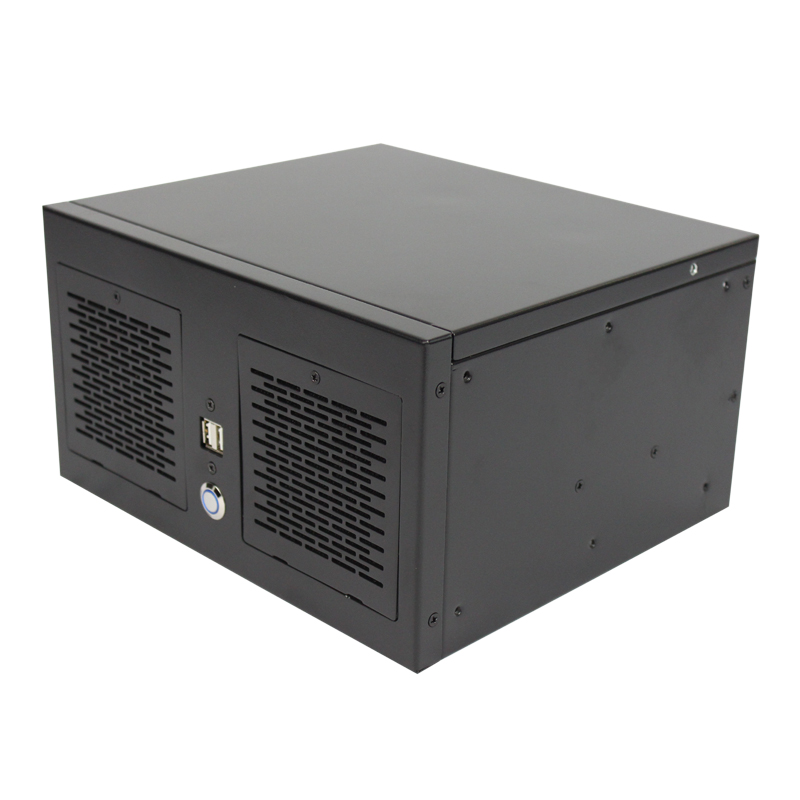
Wallmount Case ISC-WMS33B-M | Wallmount (4 slots) | 263 × 230 × 145 | 190 × 245 (8.5 × 9.6") | Up to 2 × 2.5" HDD or 1 × 3.5" HDD | None | 1U FLEX PSU | – | 4 × full-height; 6 × COM | 2 × USB 2.0; Power & HDD LEDs | Zinc-plated steel, 1.2 mm | Yes |
|
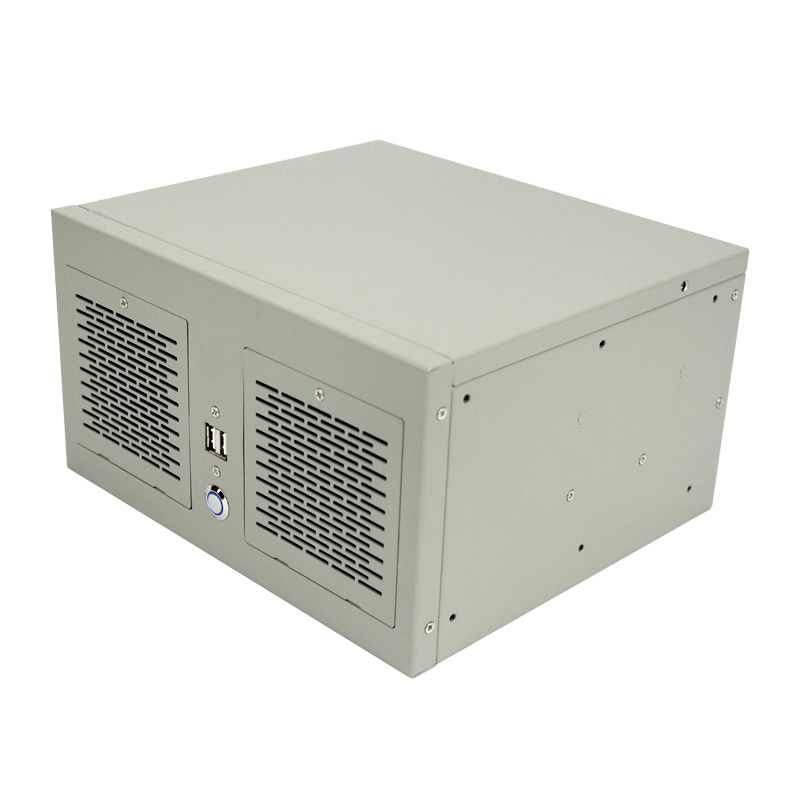
Wallmount Case ISC-WMS33W-M | Wallmount (4 slots) | 263 × 230 × 145 | 190 × 245 (8.5 × 9.6") | Up to 2 × 2.5" HDD or 1 × 3.5" HDD | None | 1U FLEX PSU | – | 4 × full-height; 6 × COM | 2 × USB 2.0; Power & HDD LEDs | Zinc-plated steel, 1.2 mm | Yes |
|
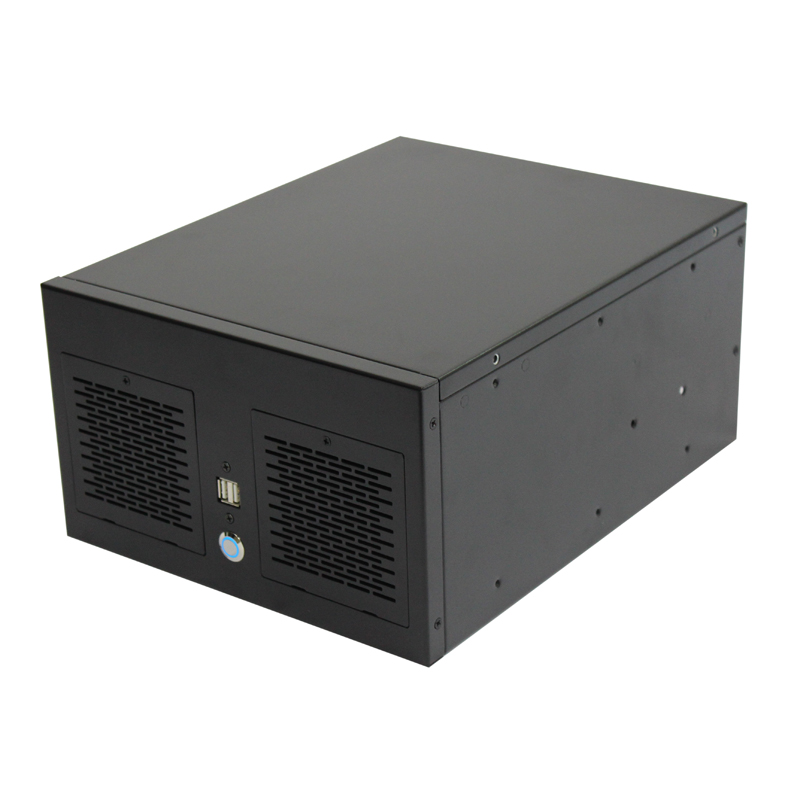
Wallmount Case ISC-WMS34B-M | Wallmount (4 slots) | 260 × 330 × 155 | Micro-ATX 245 × 245 (9.6 × 9.6") | 1 × 2.5" HDD or 1 × 3.5" HDD | None | 1U FLEX PSU | 2 × 80 × 25 mm | 4 × full-height | 2 × USB 2.0; Power LED; Removable dust-filter panel | Zinc-plated steel, 1.2 mm | Yes |
|
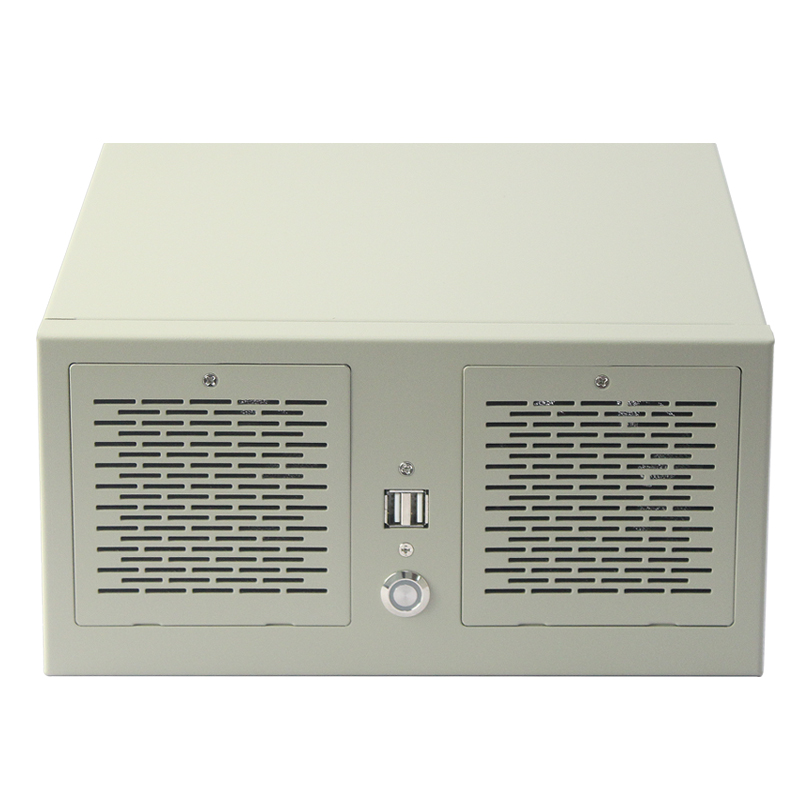
Wallmount Case 4 Slots Model ISC WMS34W M | Wallmount (4 slots) | 263 × 232 × 130 | 245 × 200 (9.6 × 8.2") | 1 × 3.5" HDD; 1 × 2.5" HDD | None | ATX PSU | 2 × 80 × 25 mm | 4 × PCI-E; 4 × COM | USB port | Steel | Yes |
|
|
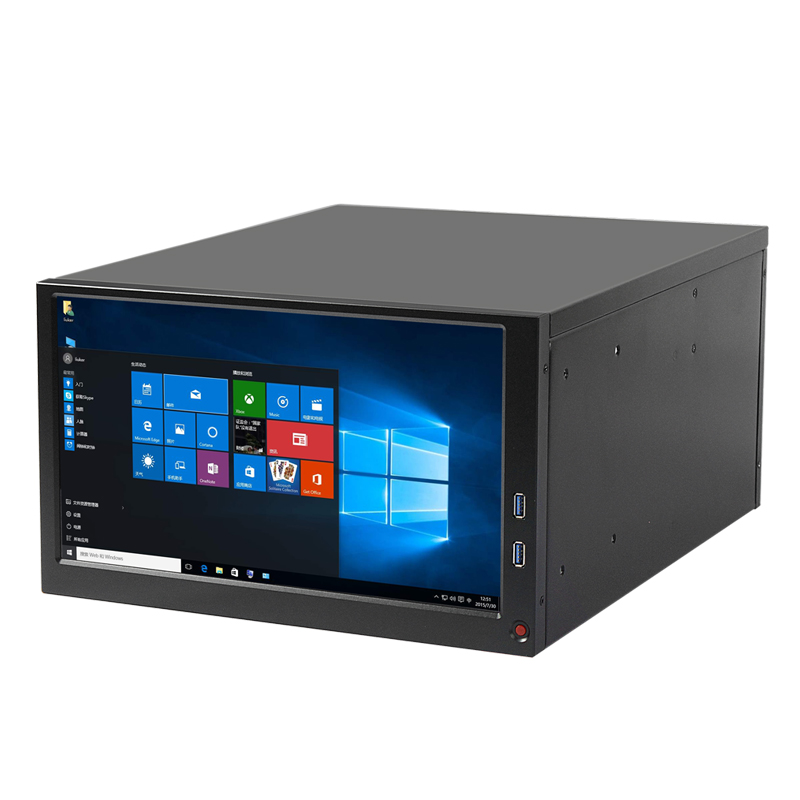
Wallmount Case ISC-WMS34W-M | Wallmount (4 slots) | 260 × 330 × 155 | Micro-ATX 245 × 245 (9.6 × 9.6") | 1 × 2.5" HDD or 1 × 3.5" HDD | None | 1U FLEX PSU | 2 × 80 × 25 mm | 4 × full-height | 2 × USB 2.0; Power LED; Removable dust-filter panel | Zinc-plated steel, 1.2 mm | Yes |
|
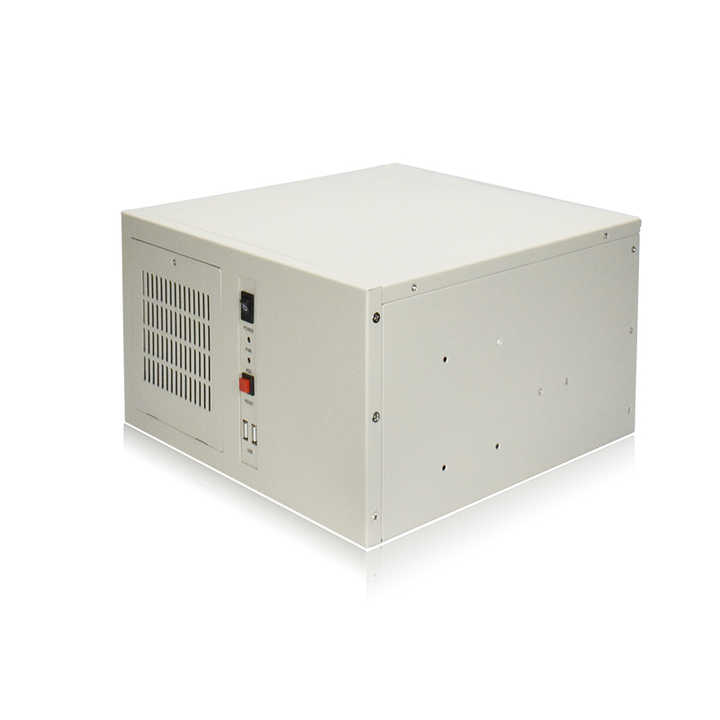
Wallmount Case ISC-WMS38CB-M | Wallmount (6 slots) | 330 × 410 × 200 | ATX 305 × 245 (12 × 9.6") | 1 × 3.5" HDD; 2 × 2.5" HDD | None | ATX PSU | 1 × 120 × 25 mm | 6 × PCI-E; 5 × COM; 1 × VGA | 13.3" LCD; 2 × USB 3.0 | – | Yes |
|
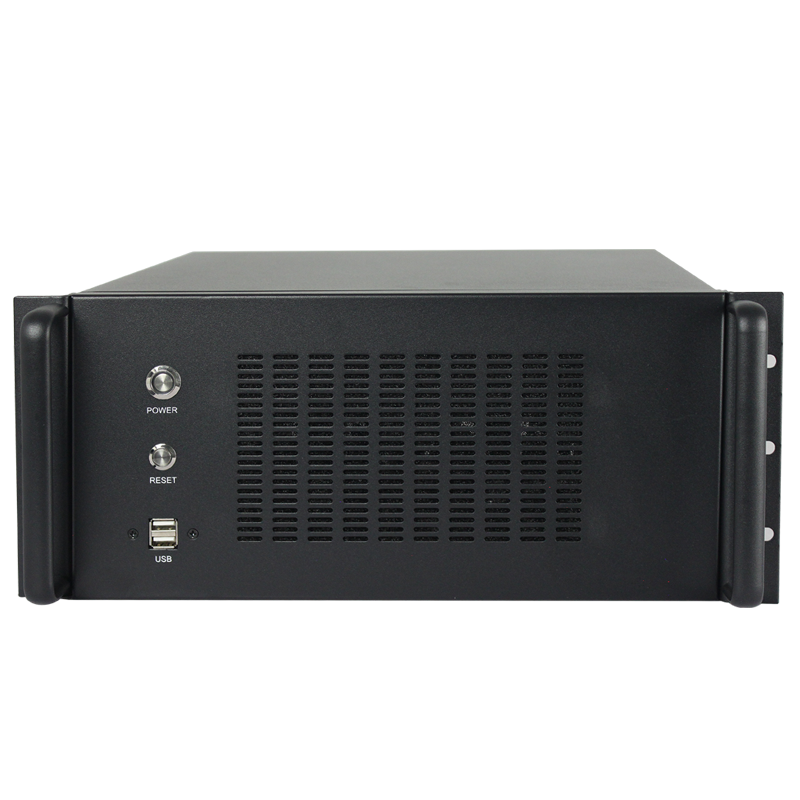
Wallmount Case ISC-WM7CX330-L | Wallmount (7 slots) | 330 × 330 × 174 | ATX 305 × 244 (12 × 9.6"); Micro-ATX 245 × 245 (9.6 × 9.6"); Mini-ITX 170 × 170 (6.7 × 6.7") | 1 × 3.5" HDD; 1 × 2.5" HDD/SSD | None | Standard ATX PSU | 1 × 120 × 25 mm | 7 × full-height PCIe | Power switch; Reset switch; Network LED; Fault LED; 2 × USB 2.0 ports | SGCC steel, 1.2 mm | Yes |
|
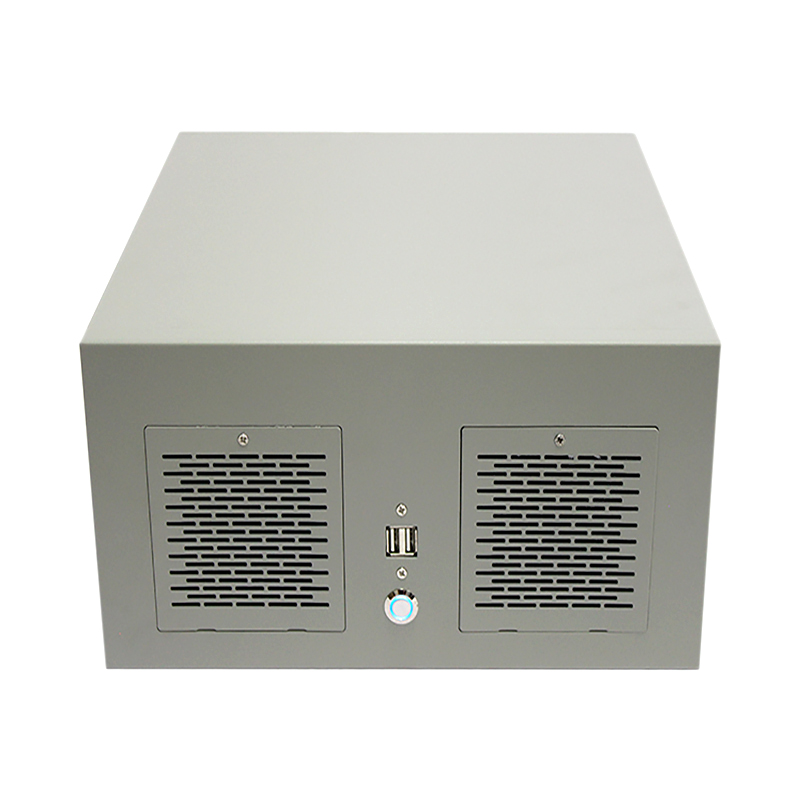
Wallmount Case ISC-WMS37B-M | Wallmount (7 slots) | 330 × 330 × 160 | ATX 305 × 245 (12 × 9.6") | 2 × 3.5" + 1 × 2.5" HDD or 1 × 3.5" + 2 × 2.5" HDD | None | ATX PSU | 2 × 80 × 25 mm | 7 × PCI-E | 2 × USB 2.0; Power & Reset switches | SGCC steel, 1.2 mm | Yes |
|
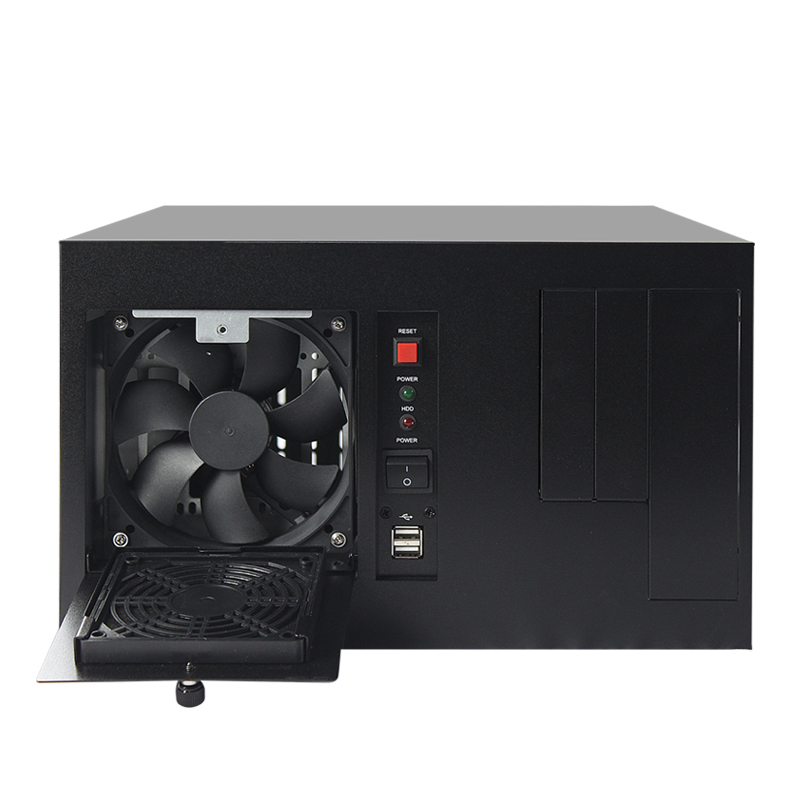
Wallmount Case ISC-WMS37W-M | Wallmount (7 slots) | 320 × 330 × 195 | ATX 305 × 245 (12 × 9.6") | Up to 2 × 2.5" HDD or 1 × 3.5" HDD | None | 1U FLEX PSU | 2 × 80 × 25 mm | 7 × full-height | 2 × USB 2.0; Power LED; Removable dust-filter panel | Zinc-plated steel, 1.2 mm | Yes |
|
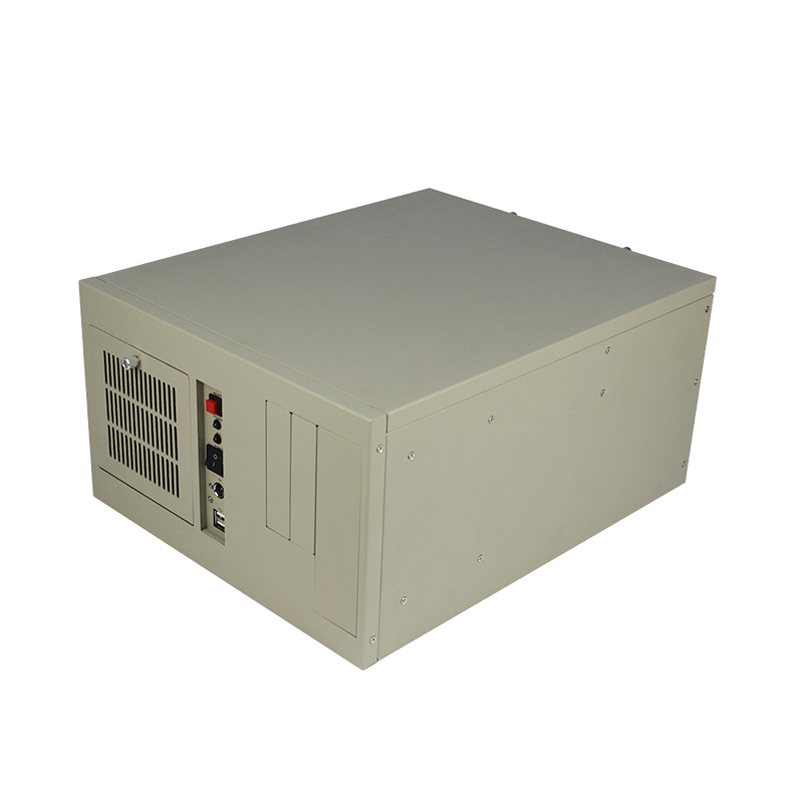
Wallmount Case ISC-WMS38B-M | Wallmount (7 slots) | 330 × 406 × 196.5 | ATX 305 × 345 (12 × 13") | 1 × 3.5" HDD | 1 × CD-ROM; 2 × floppy | ATX PSU | 1 × 120 × 25 mm | 1 × I/O + 7 × full-height | 2 × USB 2.0; Power; Reset; Power & HDD LEDs; PS/2 port | Zinc-plated steel, 1.2 mm | Yes |
|
Wallmount Case ISC-WMS38W-M | Wallmount (7 slots) | 330 × 406 × 196.5 | ATX 305 × 345 (12 × 13") | 1 × 3.5" HDD | 1 × CD-ROM; 2 × floppy | ATX PSU | 1 × 120 × 25 mm | 1 × I/O + 7 × full-height | 2 × USB 2.0; Power; Reset; Power & HDD LEDs; PS/2 port | Zinc-plated steel, 1.2 mm | Yes |
|
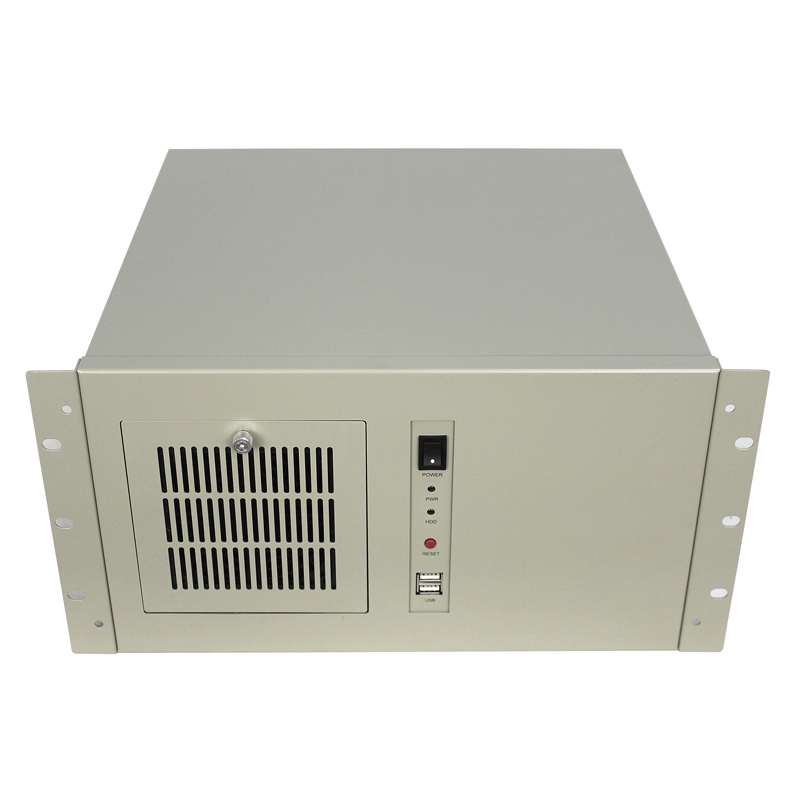
Wallmount Case ISC-WMS39W-M | Wallmount (7 slots) | 383 × 330 × 190 | ATX 305 × 245 (12 × 9.6") | 1 × 3.5" HDD | None | ATX PSU | 1 × 120 × 25 mm | 1 × I/O + 7 × full-height | 2 × USB 2.0; Power; Reset; Power & HDD LEDs; PS/2 port | Zinc-plated steel, 1.2 mm | Yes |
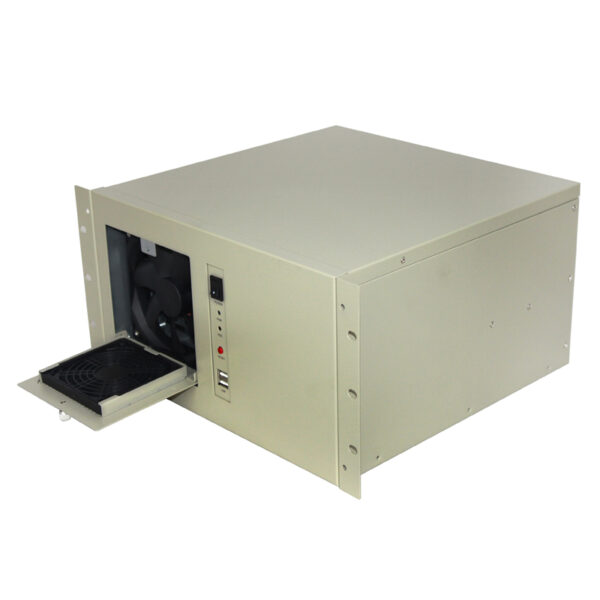
The ISC WMS39W M 1HDD is a compact 7-slot wallmount server case…
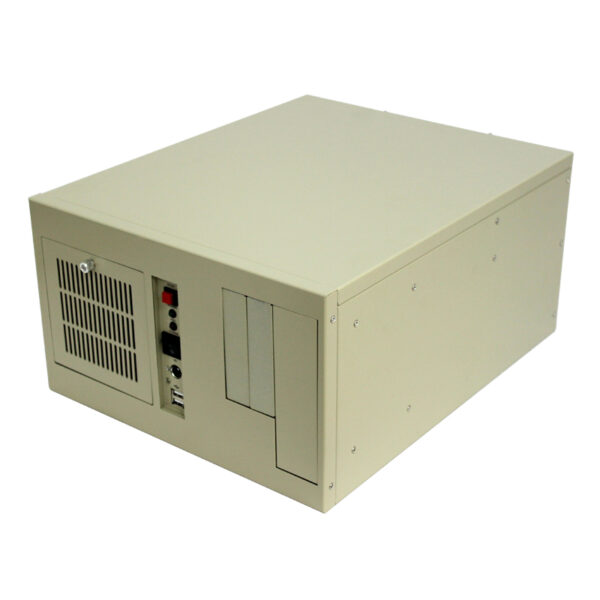
ISC-WMS38W-M is a compact 7-slot wallmount chassis for selected 12 x 13…
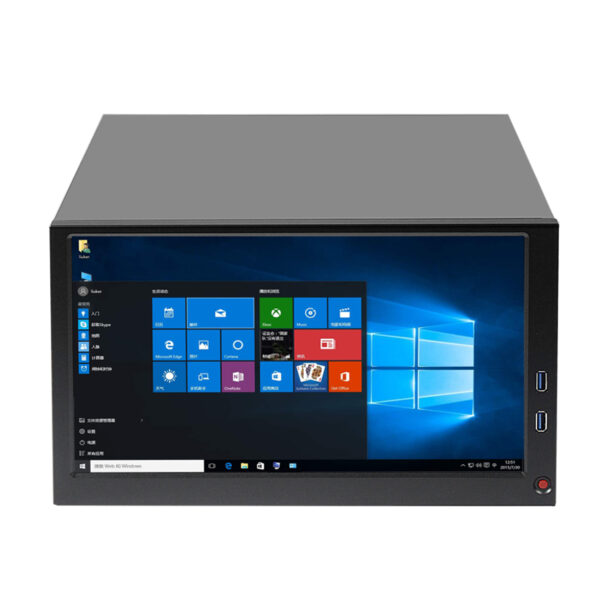
The ISC-WMS38CD M is a compact wallmount server chassis with 6 PCIe…
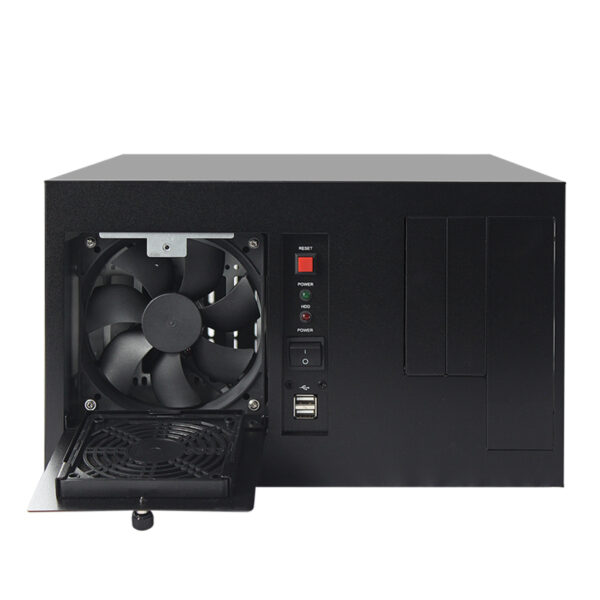
ISC WMS38B M is a steel wallmount server chassis for 12 x…
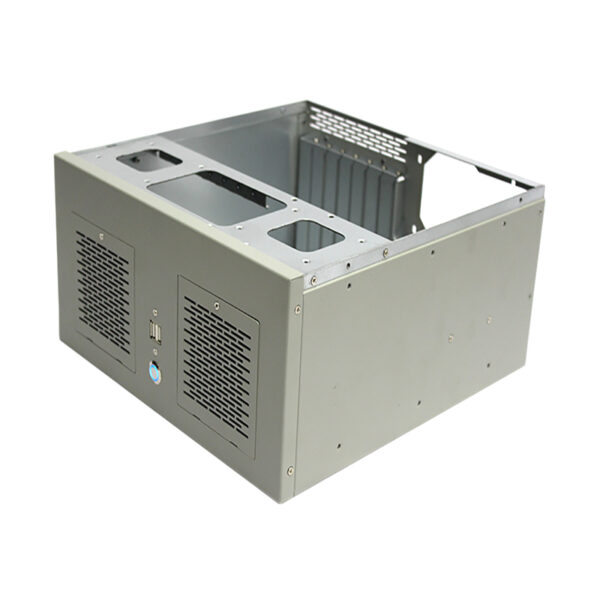
ISC-WMS37W-M is a compact 7-slot wallmount server chassis with 2 × 2.5-inch…
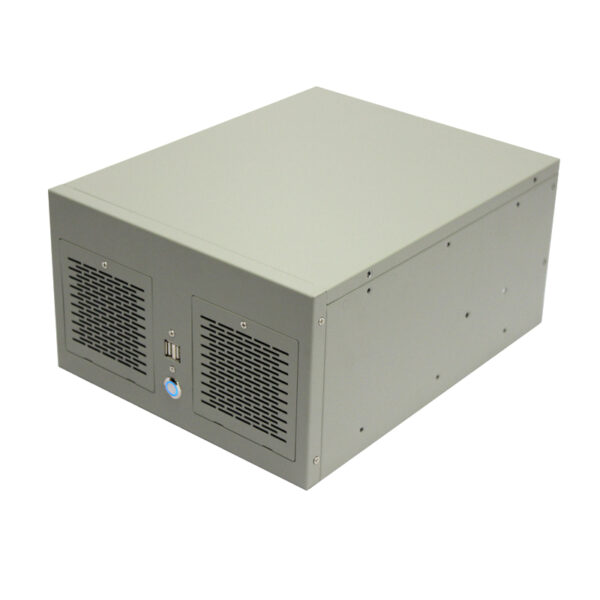
Compact ISC WMS34W M wallmount server chassis with four full-height expansion slots,…
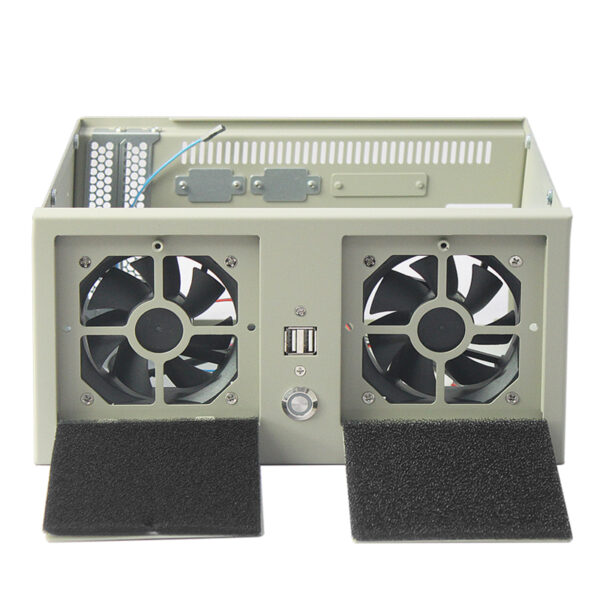
ISC WMS34TW M is a compact steel MicroATX rackmount chassis with one…
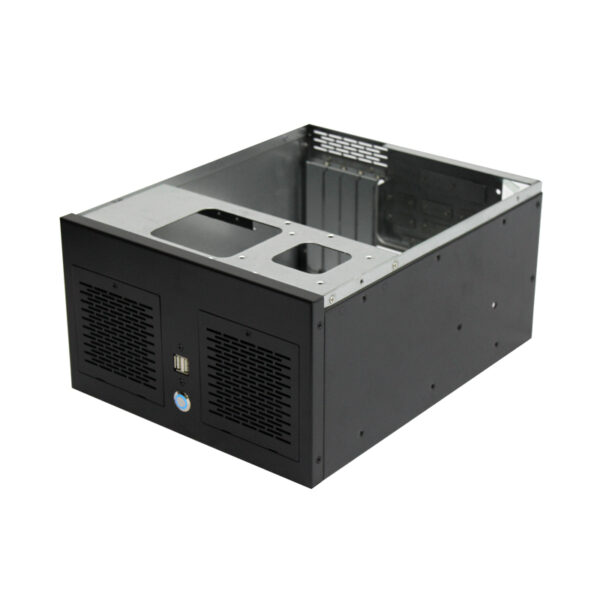
The ISC WMS34B M is a compact steel wallmount server chassis with…
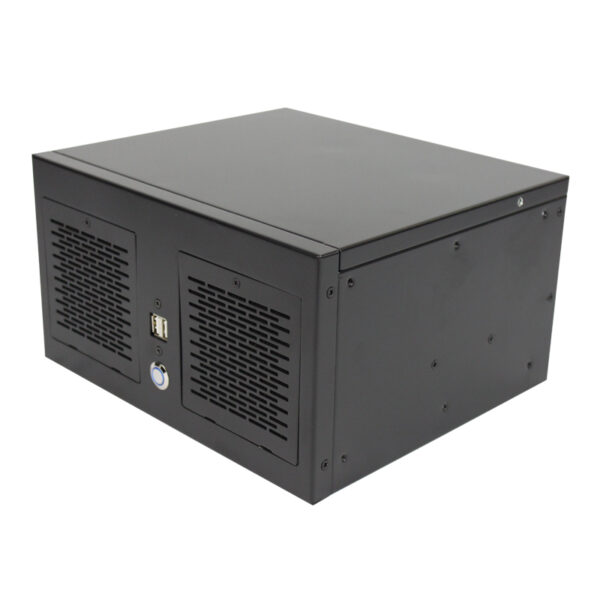
ISC WMS33B M is a compact 1.2 mm steel wallmount server chassis…
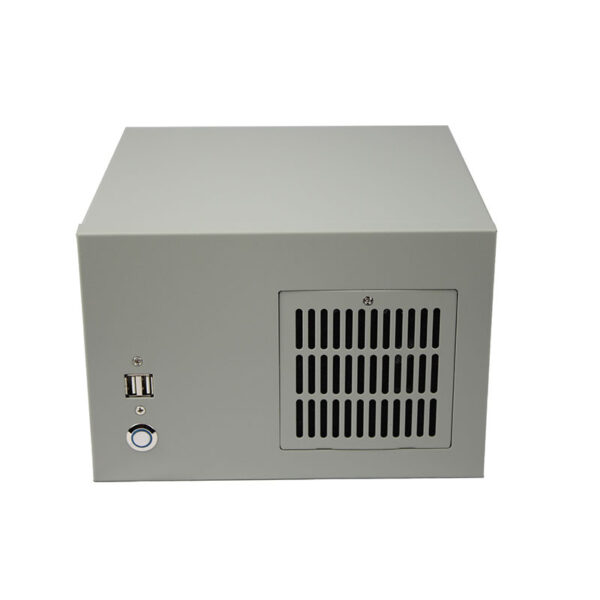
Compact ISC WMS31W M 2-slot wallmount chassis for 170 x 170 mm…
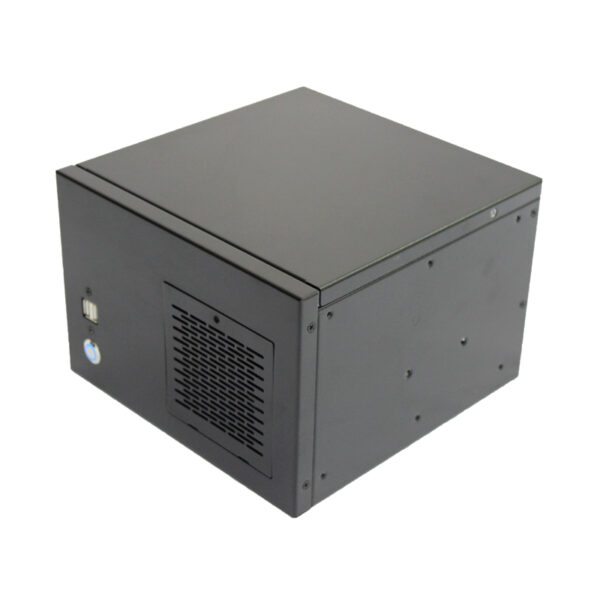
ISC-WMS31B-M is a compact 2-slot wallmount chassis for 170 x 170 mm…
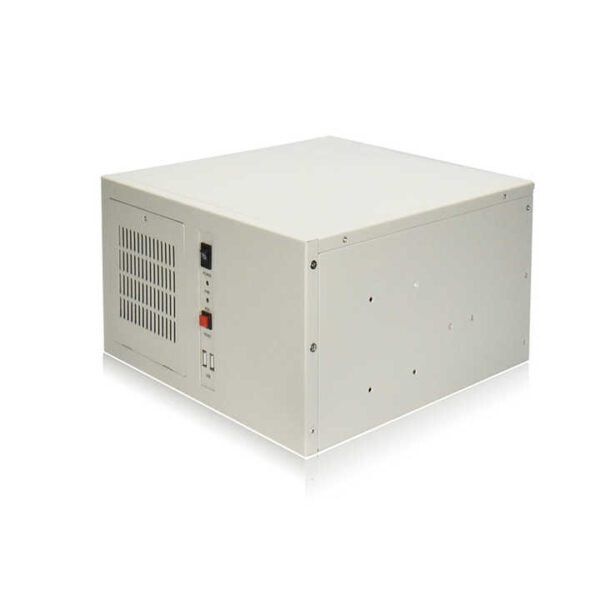
ISC-WM7CX330-L is a compact SGCC steel wallmount server chassis with ATX, Micro…