




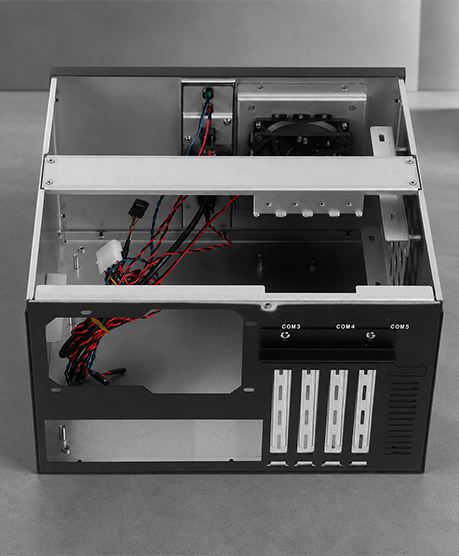
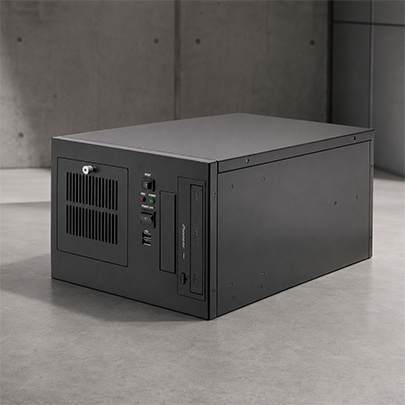
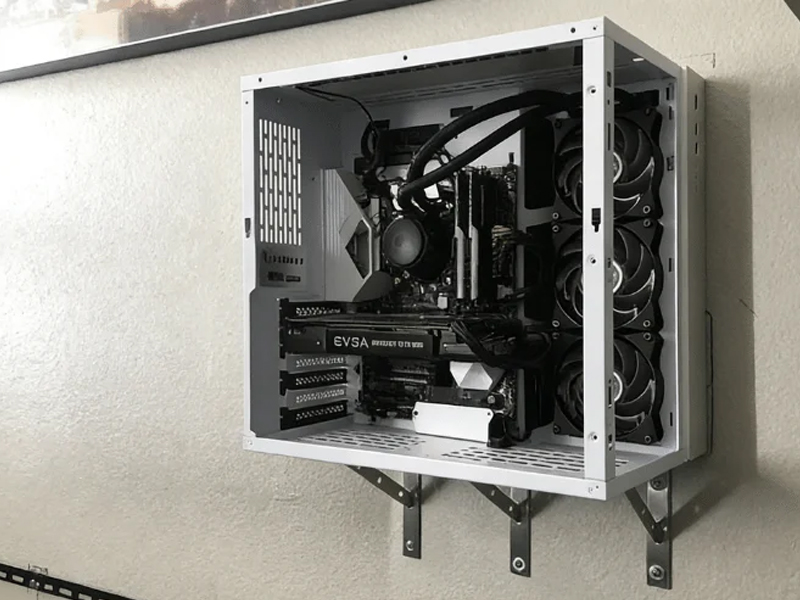
| 商品画像 | Model Product Link | タイプ | 外形寸法(W×D×H mm) | 対応マザーボード(mm/in) | ドライブベイ | 光学ドライブ | 電源 | ファン | 拡張スロット | フロントパネル | 素材と厚み | カスタマイズ可能 |
|---|---|---|---|---|---|---|---|---|---|---|---|---|
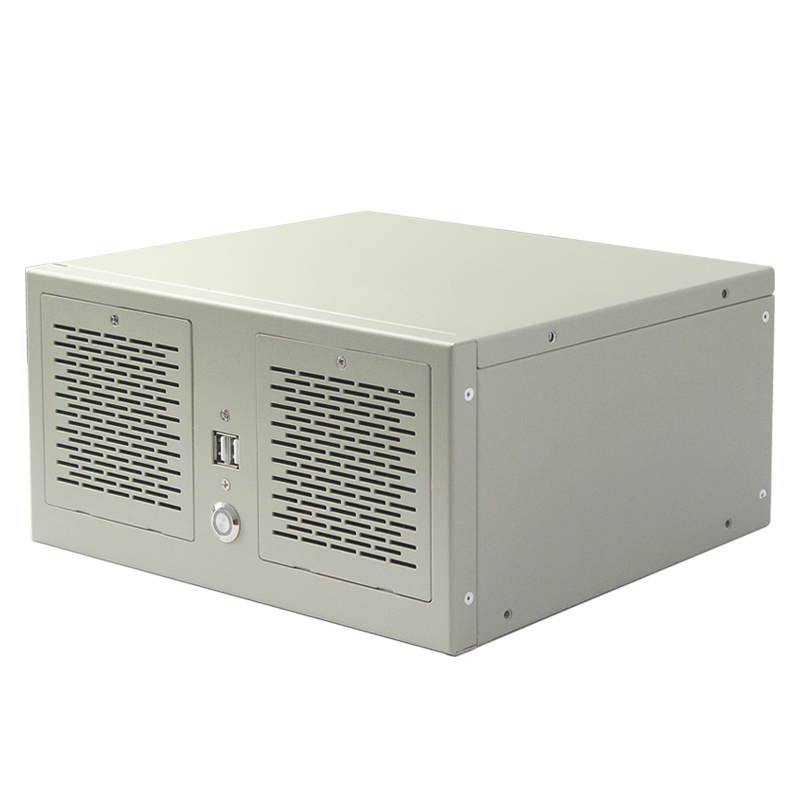
|
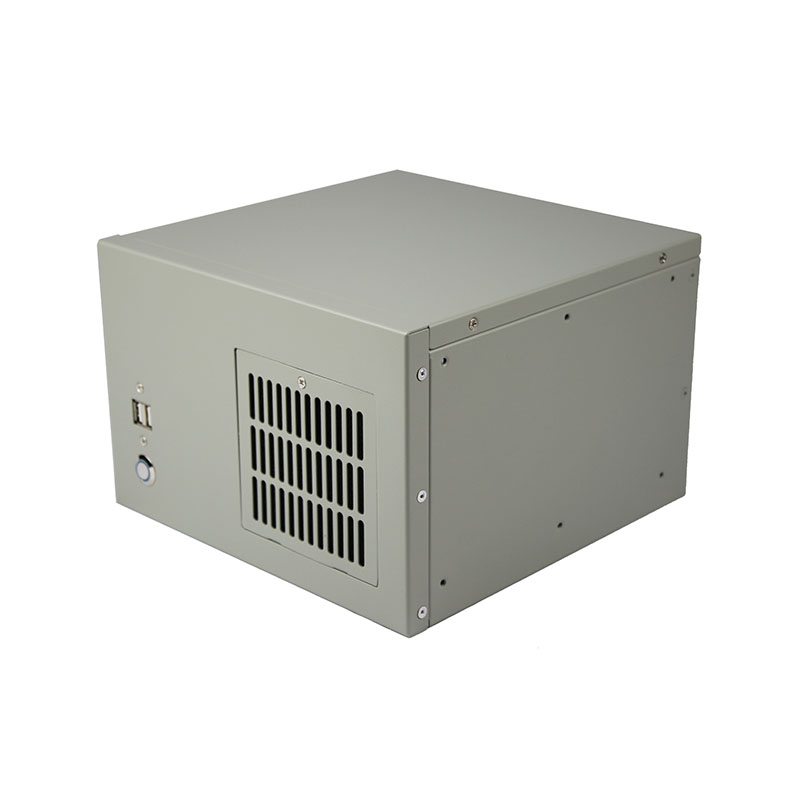
ウォールマウントケース ISC-WMS34TW-M | ラックマウント(2スロット) | 263 × 232 × 130 | マイクロATX 245×245(9.6×9.6インチ) | 1×3.5インチHDD、1×2.5インチHDD | なし | ATX PSU | 2 × 80 × 25 mm | 2×pci-e、4×com | USBポート | SGCC鋼、1.2 mm | はい |
|
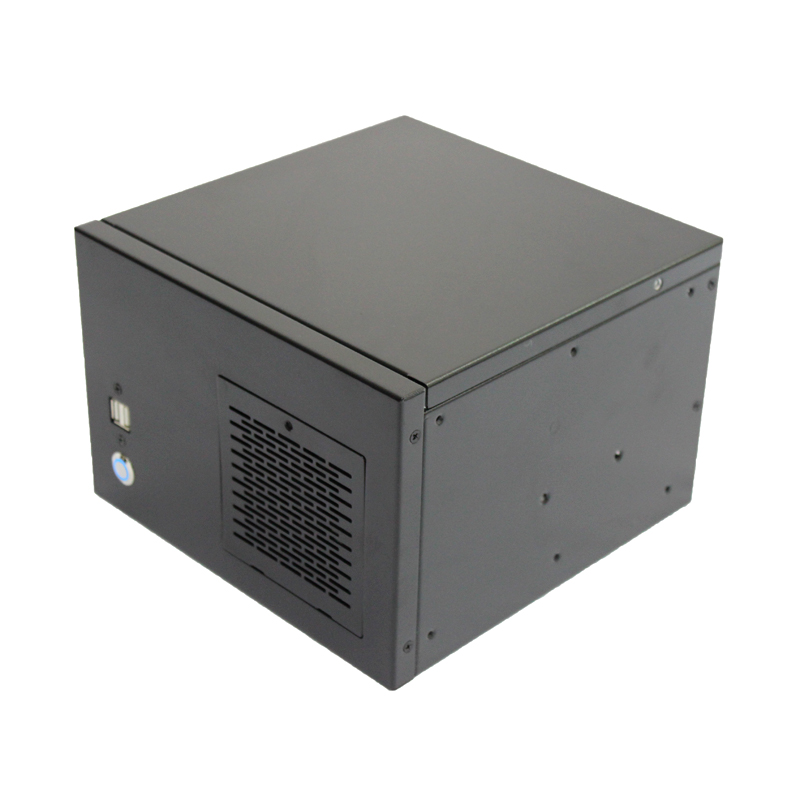
ウォールマウントケース ISC-WMS31W-M | ウォールマウント(2スロット) | 230 × 230 × 155 | Mini-ITX 170 × 170 (7 × 7") | 最大2 x 2.5" HDDまたは1 x 3.5" HDD | なし | 1U FLEX PSU | 1 × 80 × 25 mm | 2 × フルハイト | 2 × USB 2.0; 電源スイッチ/LED; 取り外し可能なダストフィルターパネル | 亜鉛メッキスチール、1.2 mm | はい |
|
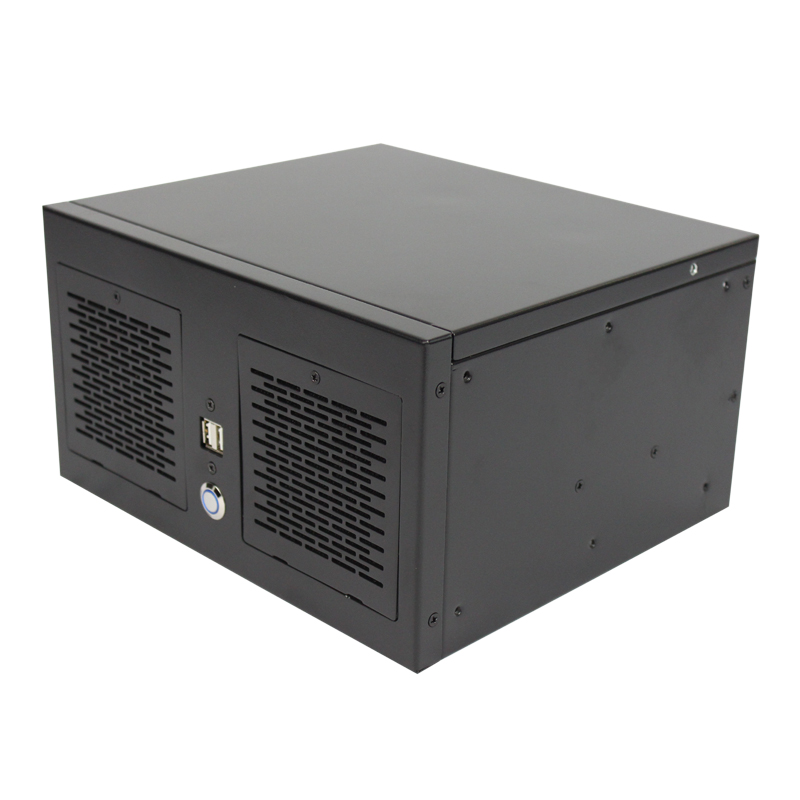
ウォールマウントケース ISC-WMS31B-M | ウォールマウント(2スロット) | 230 × 230 × 155 | Mini-ITX 170 × 170 (7 × 7") | 最大2 x 2.5" HDDまたは1 x 3.5" HDD | なし | 1U FLEX PSU | 1 × 80 × 25 mm | 2 × フルハイト | 2 × USB 2.0; 電源スイッチ/LED; 取り外し可能なダストフィルターパネル | 亜鉛メッキスチール、1.2 mm | はい |
|
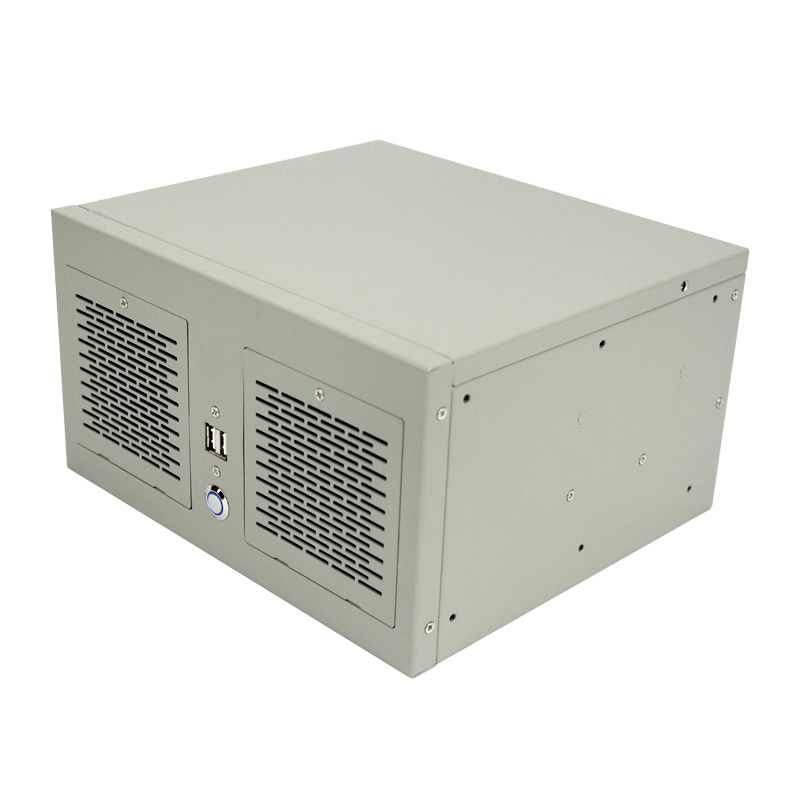
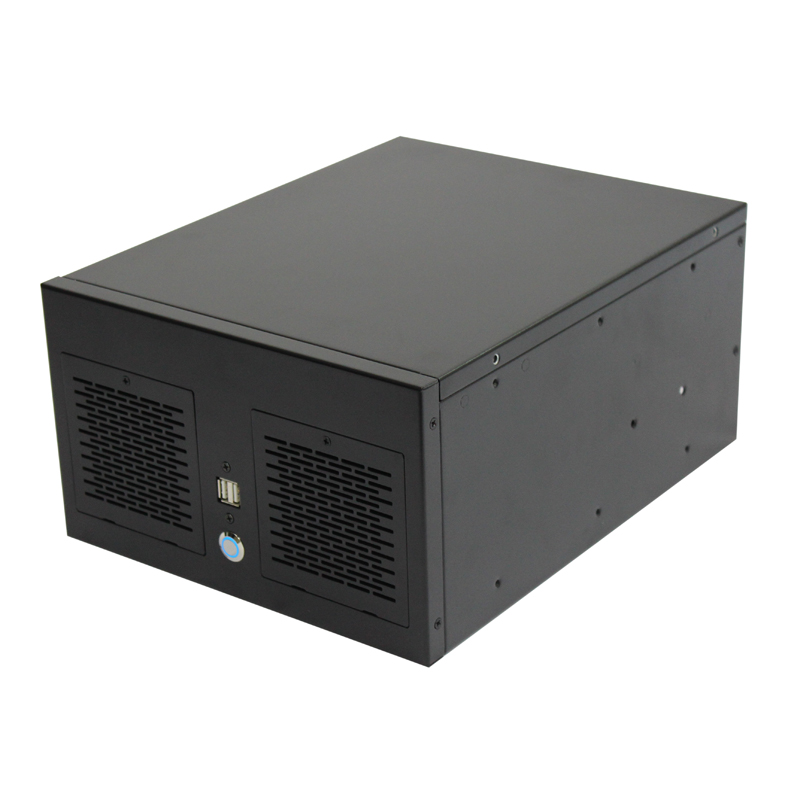
ウォールマウントケース ISC-WMS33B-M | ウォールマウント(4スロット) | 263 × 230 × 145 | 190 × 245 (8.5 × 9.6") | 最大2 x 2.5" HDDまたは1 x 3.5" HDD | なし | 1U FLEX PSU | - | 4×フルハイト、6×COM | 2 × USB 2.0; Power & HDD LEDs | 亜鉛メッキスチール、1.2 mm | はい |
|
ウォールマウントケース ISC-WMS33W-M | ウォールマウント(4スロット) | 263 × 230 × 145 | 190 × 245 (8.5 × 9.6") | 最大2 x 2.5" HDDまたは1 x 3.5" HDD | なし | 1U FLEX PSU | - | 4×フルハイト、6×COM | 2 × USB 2.0; Power & HDD LEDs | 亜鉛メッキスチール、1.2 mm | はい |
|
ウォールマウントケース ISC-WMS34B-M | ウォールマウント(4スロット) | 260 × 330 × 155 | マイクロATX 245×245(9.6×9.6インチ) | 1×2.5インチHDDまたは1×3.5インチHDD | なし | 1U FLEX PSU | 2 × 80 × 25 mm | 4×フルハイト | 2 × USB 2.0; パワーLED; 取り外し可能なダストフィルターパネル | 亜鉛メッキスチール、1.2 mm | はい |
|
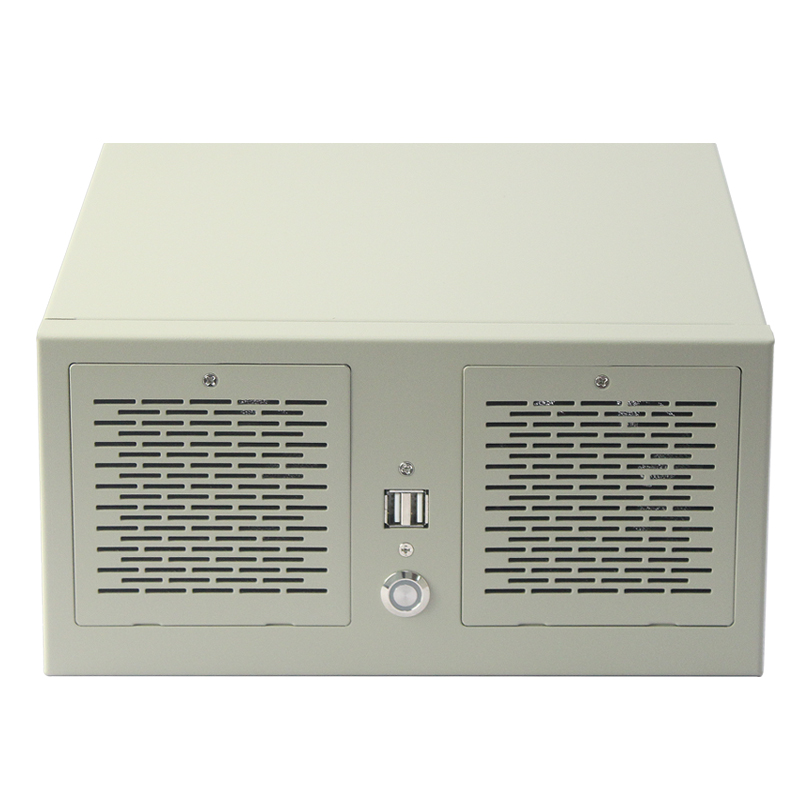
ウォールマウントケース 4スロット ISC WMS34W M型 | ウォールマウント(4スロット) | 263 × 232 × 130 | 245 × 200 (9.6 × 8.2") | 1×3.5インチHDD、1×2.5インチHDD | なし | ATX PSU | 2 × 80 × 25 mm | 4×pci-e、4×com | USBポート | スチール | はい |
|
|
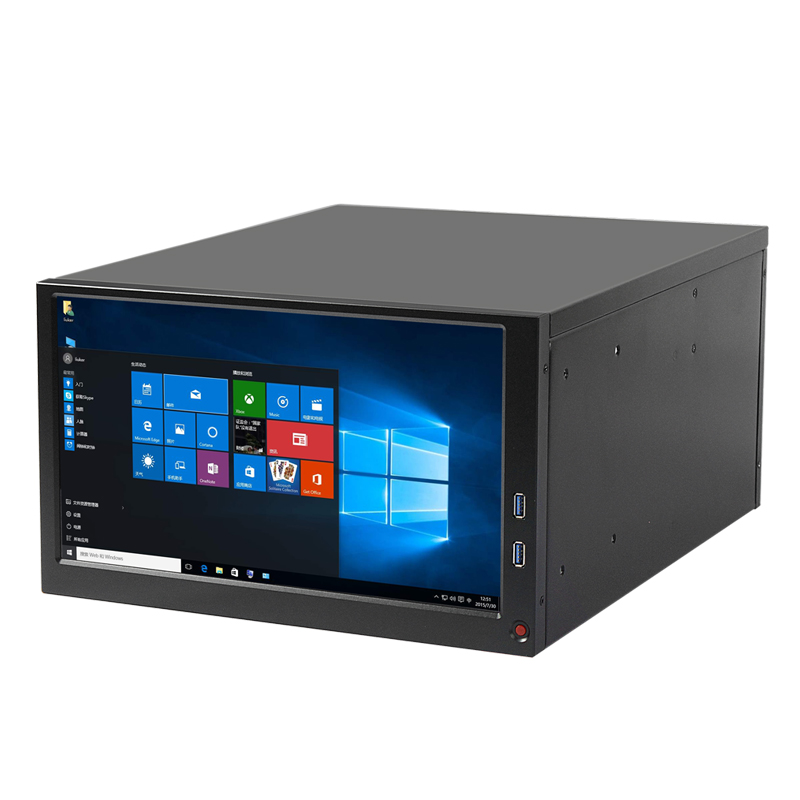
ウォールマウントケース ISC-WMS34W-M | ウォールマウント(4スロット) | 260 × 330 × 155 | マイクロATX 245×245(9.6×9.6インチ) | 1×2.5インチHDDまたは1×3.5インチHDD | なし | 1U FLEX PSU | 2 × 80 × 25 mm | 4×フルハイト | 2 × USB 2.0; パワーLED; 取り外し可能なダストフィルターパネル | 亜鉛メッキスチール、1.2 mm | はい |
|
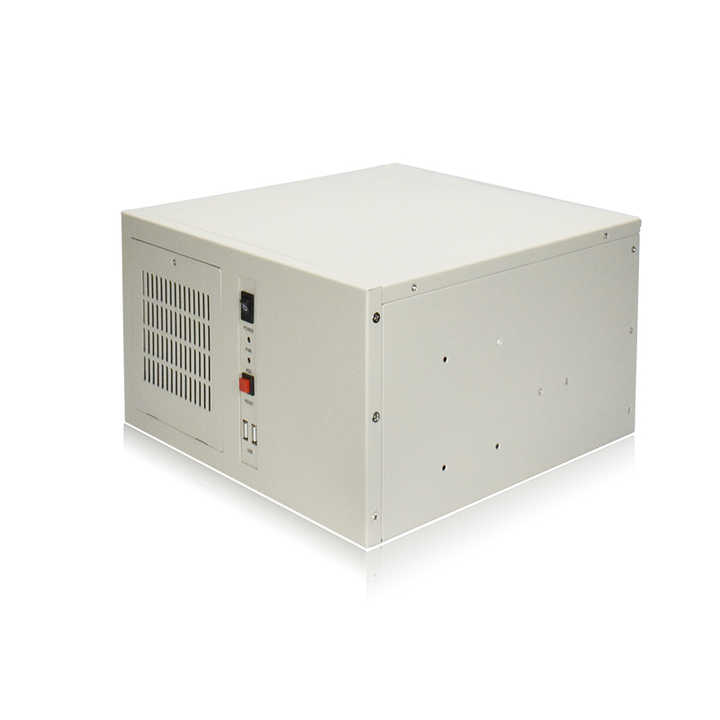
ウォールマウントケース ISC-WMS38CB-M | ウォールマウント(6スロット) | 330 × 410 × 200 | 305×245(12×9.6インチ) | 1×3.5インチHDD、2×2.5インチHDD | なし | ATX PSU | 1 × 120 × 25 mm | PCI-E×6、COM×5、VGA×1 | 13.3インチ液晶; 2 × USB 3.0 | - | はい |
|
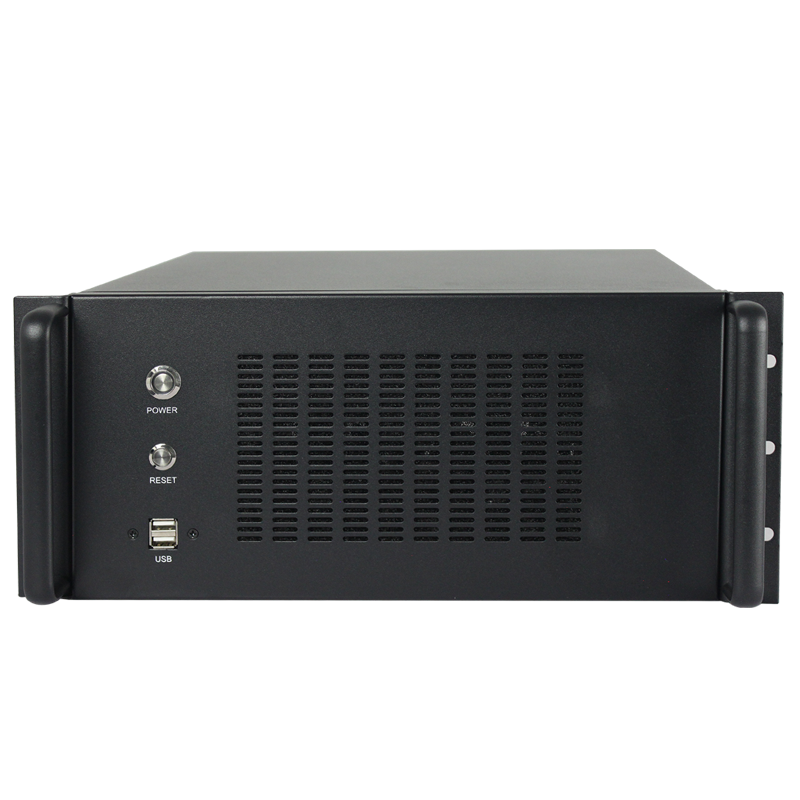
ウォールマウントケース ISC-WM7CX330-L | ウォールマウント(7スロット) | 330 × 330 × 174 | ATX 305×244(12×9.6インチ)、Micro-ATX 245×245(9.6×9.6インチ)、Mini-ITX 170×170(6.7×6.7インチ) | 1×3.5インチHDD、1×2.5インチHDD/SSD | なし | 標準ATX PSU | 1 × 120 × 25 mm | 7×フルハイトPCIe | 電源スイッチ、リセットスイッチ、ネットワークLED、故障LED、USB 2.0ポート×2 | SGCC鋼、1.2 mm | はい |
|
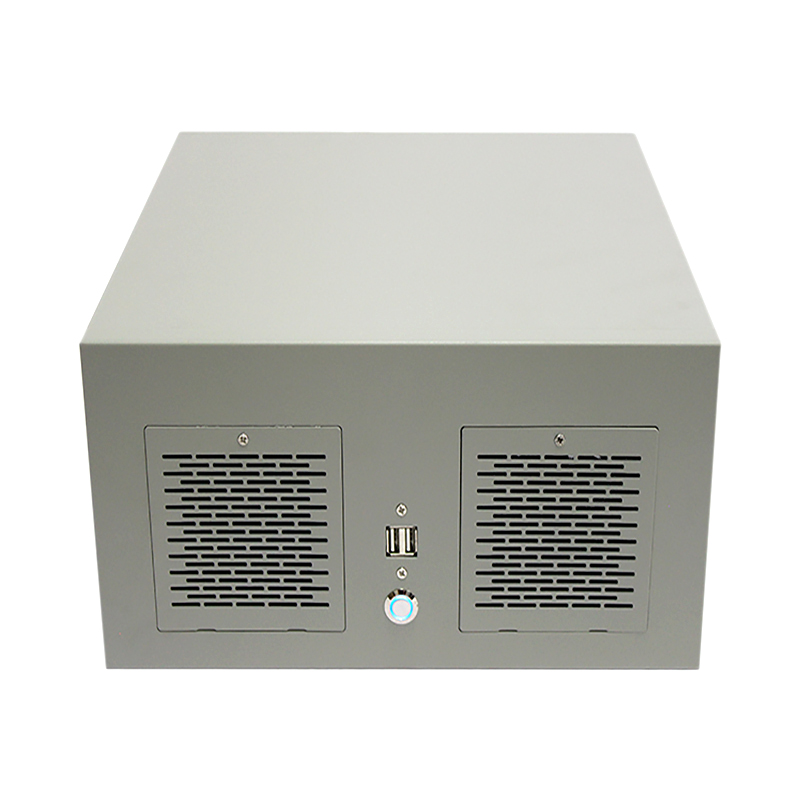
ウォールマウントケース ISC-WMS37B-M | ウォールマウント(7スロット) | 330 × 330 × 160 | 305×245(12×9.6インチ) | 2 × 3.5" + 1 × 2.5" HDD または 1 × 3.5" + 2 × 2.5" HDD | なし | ATX PSU | 2 × 80 × 25 mm | 7 × PCI-E | 2 × USB 2.0; Power & Reset switches | SGCC鋼、1.2 mm | はい |
|
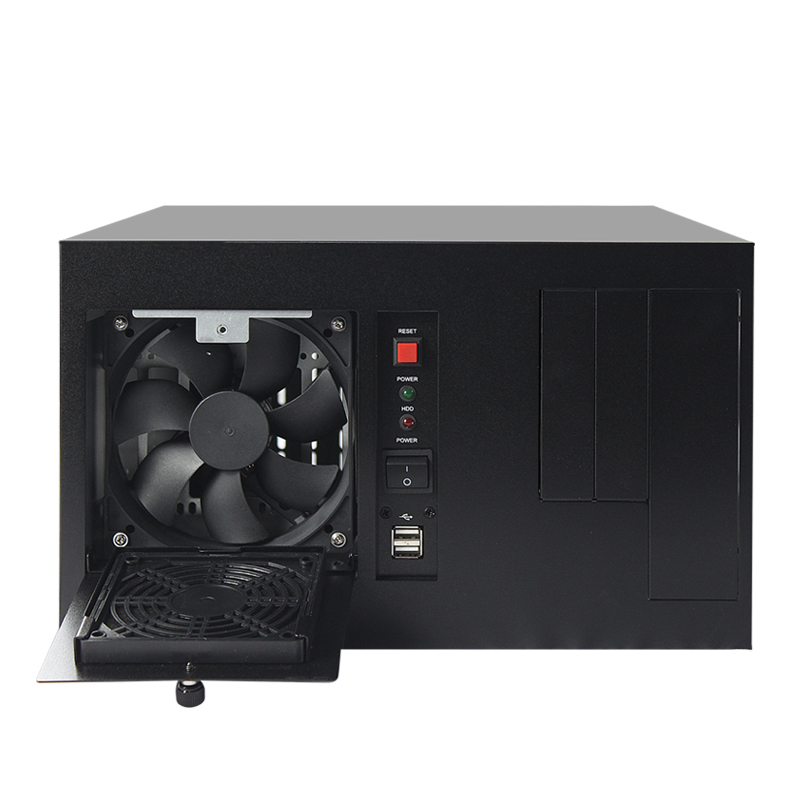
ウォールマウントケース ISC-WMS37W-M | ウォールマウント(7スロット) | 320 × 330 × 195 | 305×245(12×9.6インチ) | 最大2 x 2.5" HDDまたは1 x 3.5" HDD | なし | 1U FLEX PSU | 2 × 80 × 25 mm | 7×フルハイト | 2 × USB 2.0; パワーLED; 取り外し可能なダストフィルターパネル | 亜鉛メッキスチール、1.2 mm | はい |
|
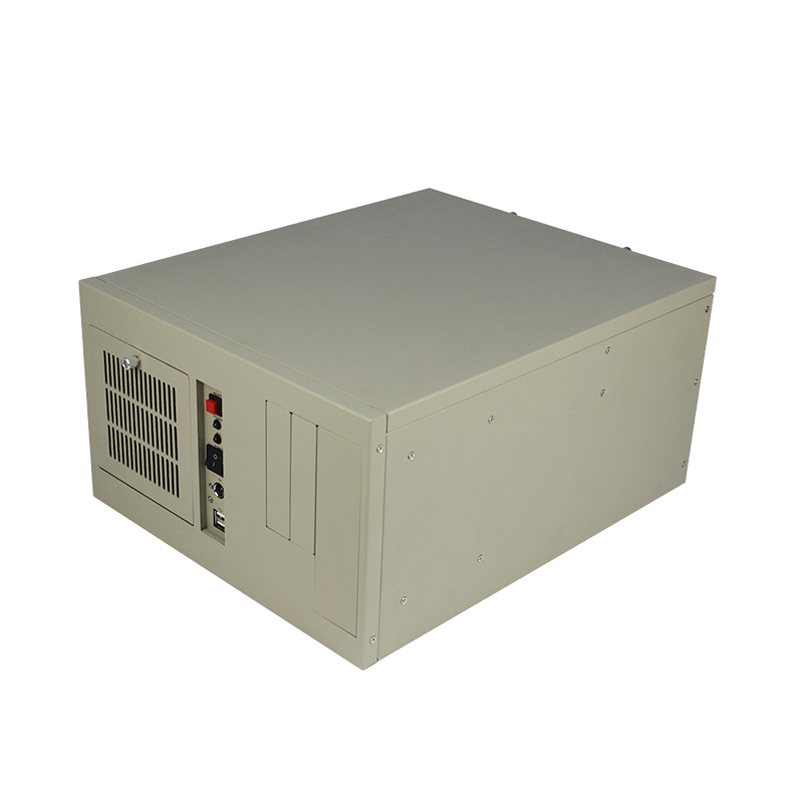
ウォールマウントケース ISC-WMS38B-M | ウォールマウント(7スロット) | 330 × 406 × 196.5 | 305×345(12×13インチ) | 1 × 3.5" HDD | CD-ROM×1、フロッピー×2 | ATX PSU | 1 × 120 × 25 mm | 1 × I/O + 7 ×フルハイト | 2 × USB 2.0; Power; Reset; Power & HDD LEDs; PS/2 port | 亜鉛メッキスチール、1.2 mm | はい |
|
ウォールマウントケース ISC-WMS38W-M | ウォールマウント(7スロット) | 330 × 406 × 196.5 | 305×345(12×13インチ) | 1 × 3.5" HDD | CD-ROM×1、フロッピー×2 | ATX PSU | 1 × 120 × 25 mm | 1 × I/O + 7 ×フルハイト | 2 × USB 2.0; Power; Reset; Power & HDD LEDs; PS/2 port | 亜鉛メッキスチール、1.2 mm | はい |
|
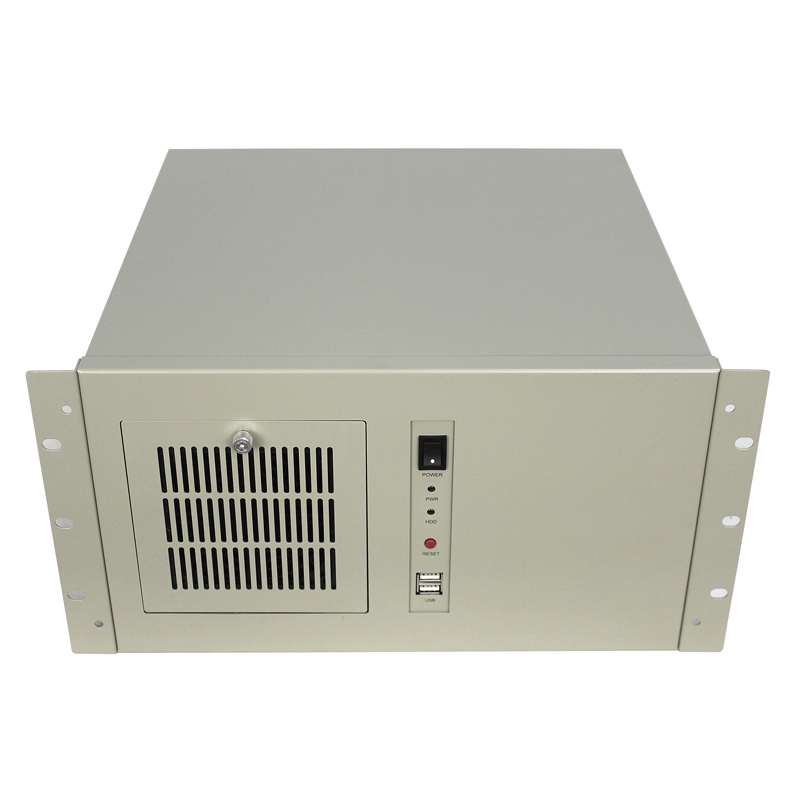
ウォールマウントケース ISC-WMS39W-M | ウォールマウント(7スロット) | 383 × 330 × 190 | 305×245(12×9.6インチ) | 1 × 3.5" HDD | なし | ATX PSU | 1 × 120 × 25 mm | 1 × I/O + 7 ×フルハイト | 2 × USB 2.0; Power; Reset; Power & HDD LEDs; PS/2 port | 亜鉛メッキスチール、1.2 mm | はい |
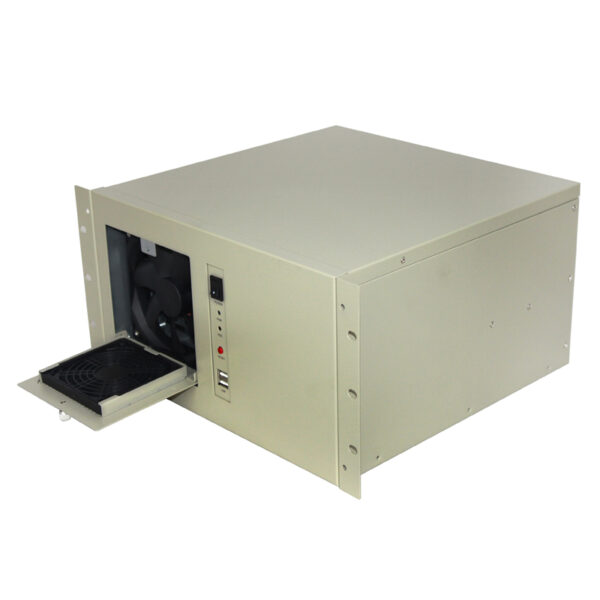
The ISC …
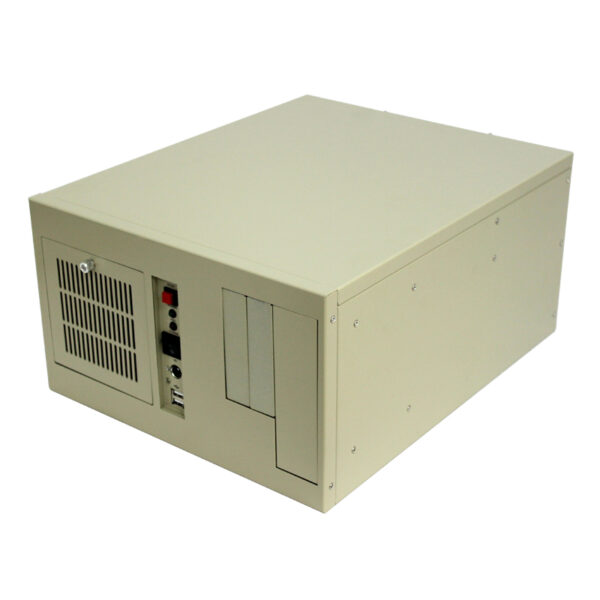
ISC-WMS3…
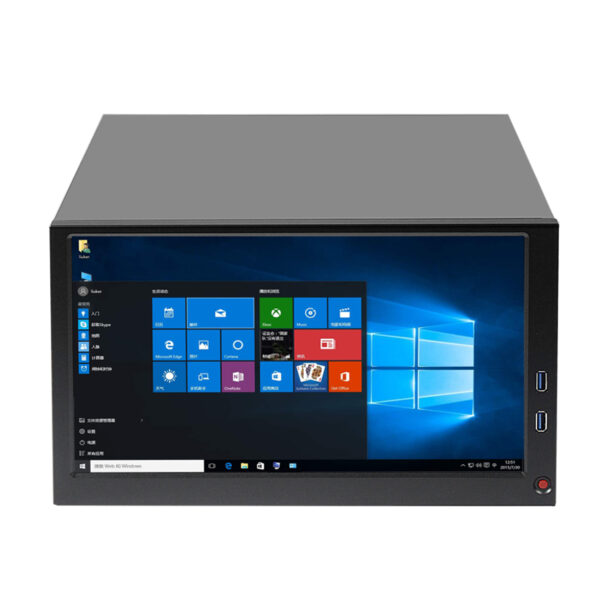
ISC-...
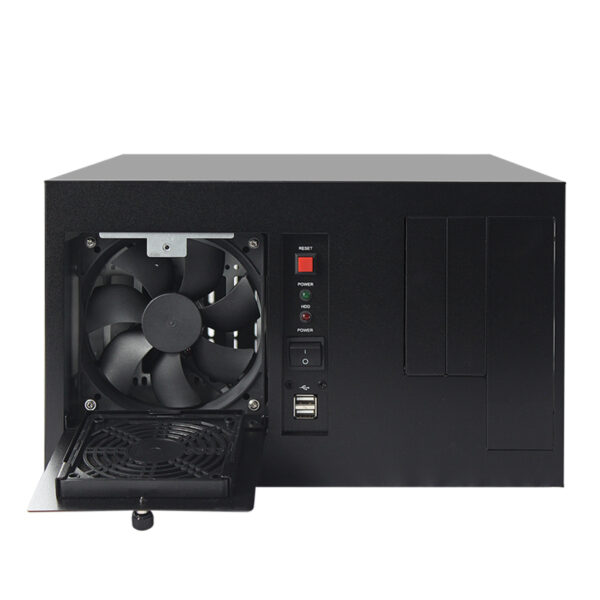
ISC WMS3…
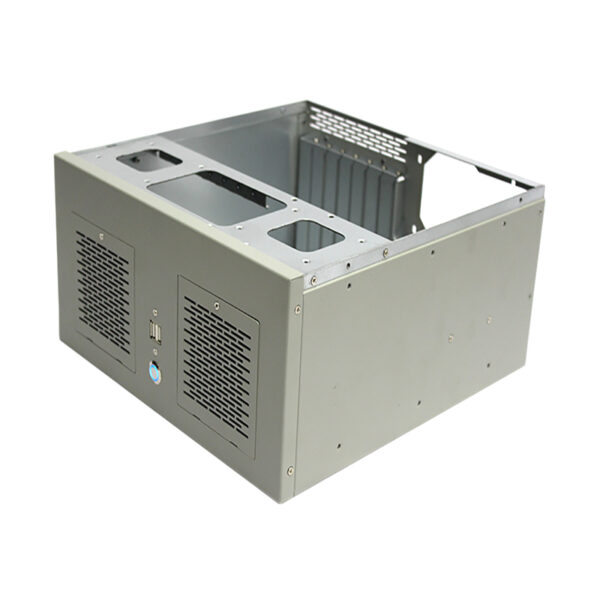
ISC-WMS3…
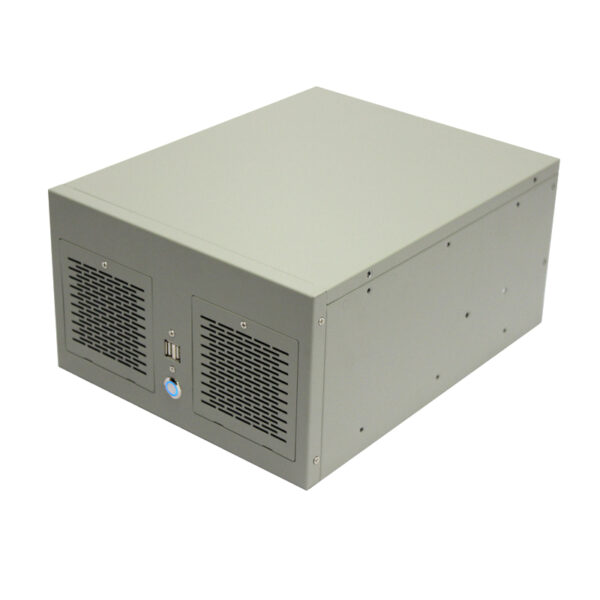
Compact …
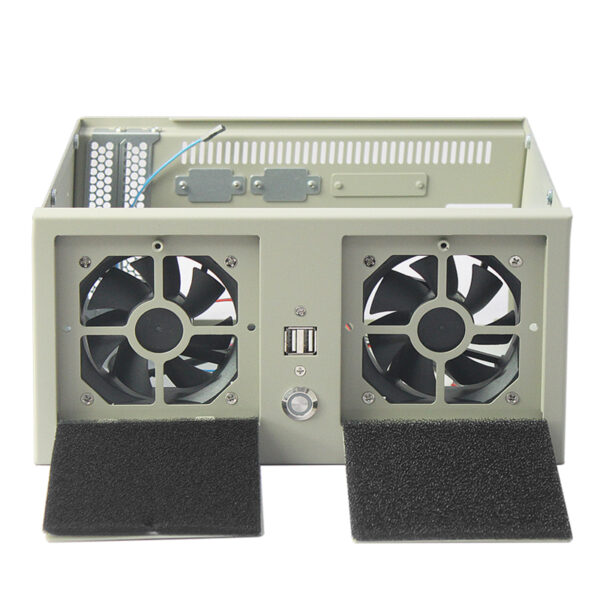
ISC WMS3…
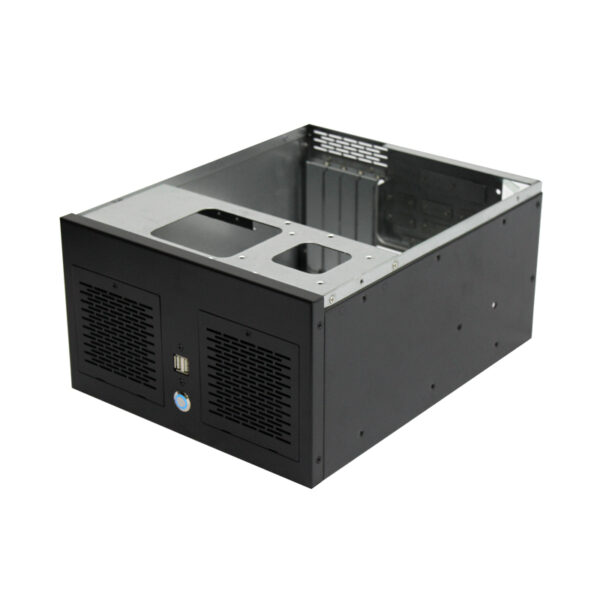
The ISC …
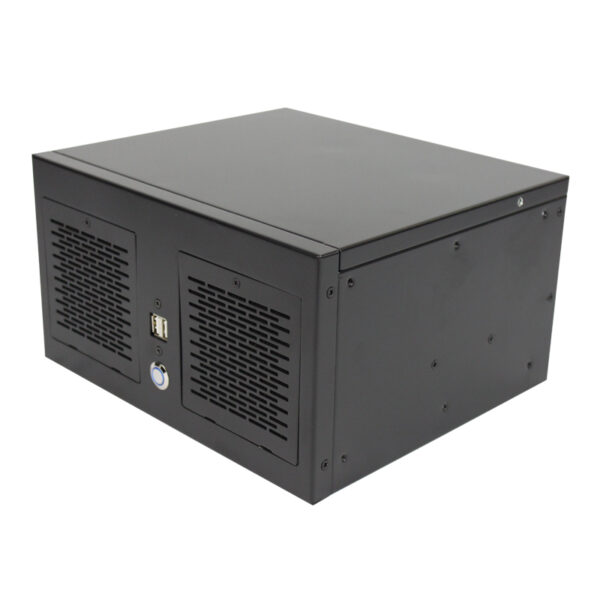
ISC WMS3…
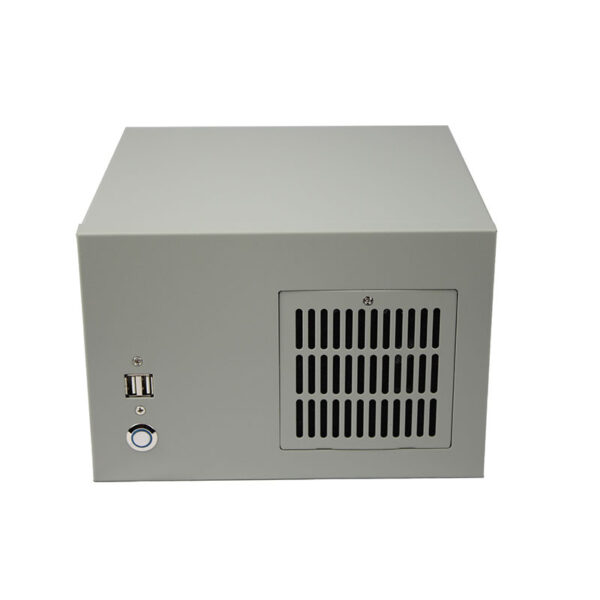
Compact …
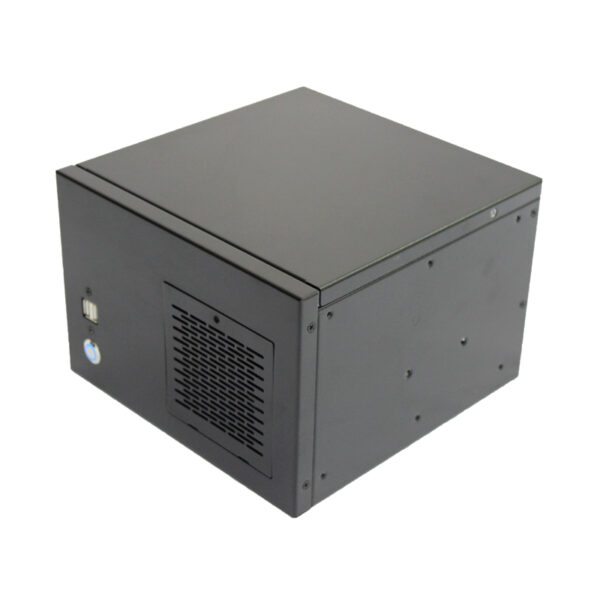
ISC-WMS3…
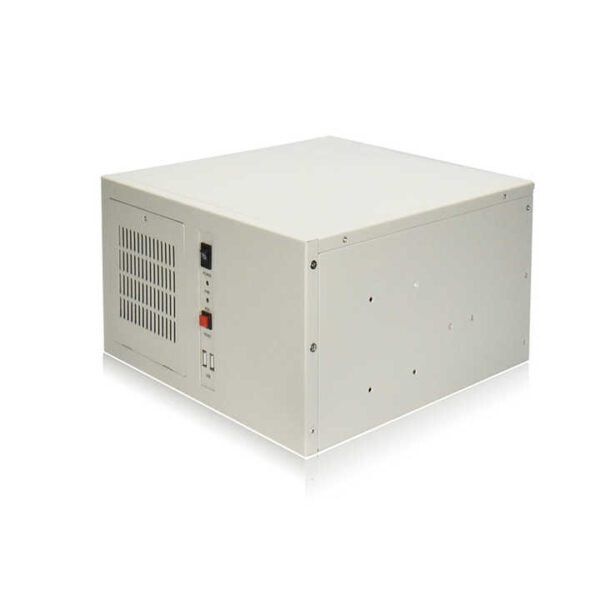
ISC-WM7C…